What PEPTIDAL is and is not
A plain description, so you know what to expect before you download anything.
Add
Pick from the library or type your own names.
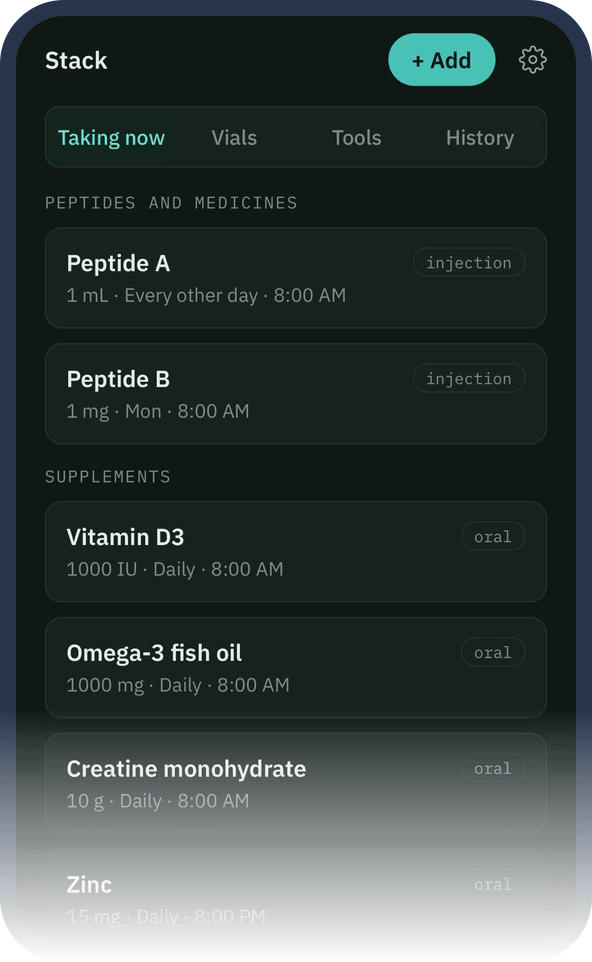
Screenshot Your stack. Screenshot from the app, with sample data. Log
Record what you take and your own measurements.
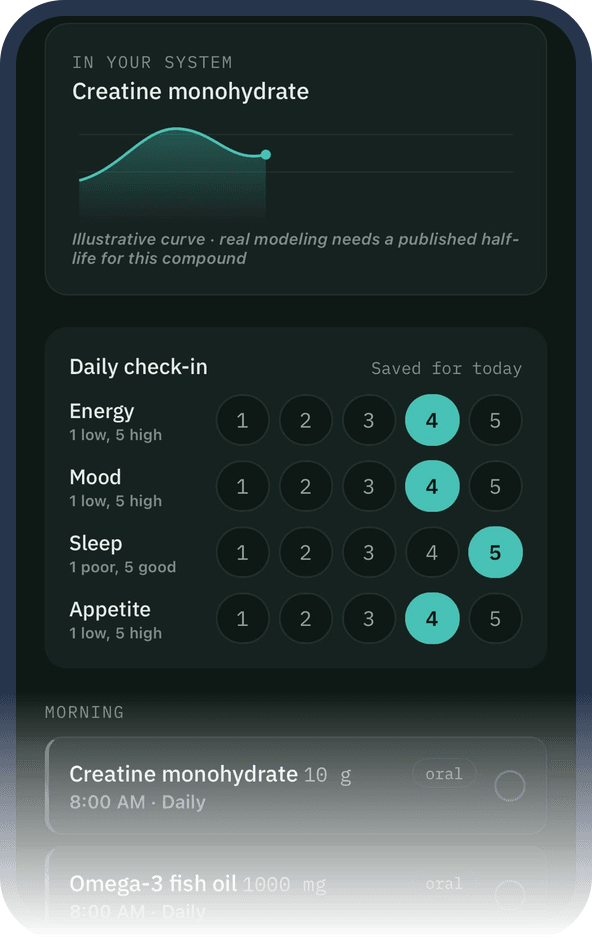
Screenshot Today and daily check-in. Screenshot from the app, with sample data. Review
See your own history, and share a summary if you choose.
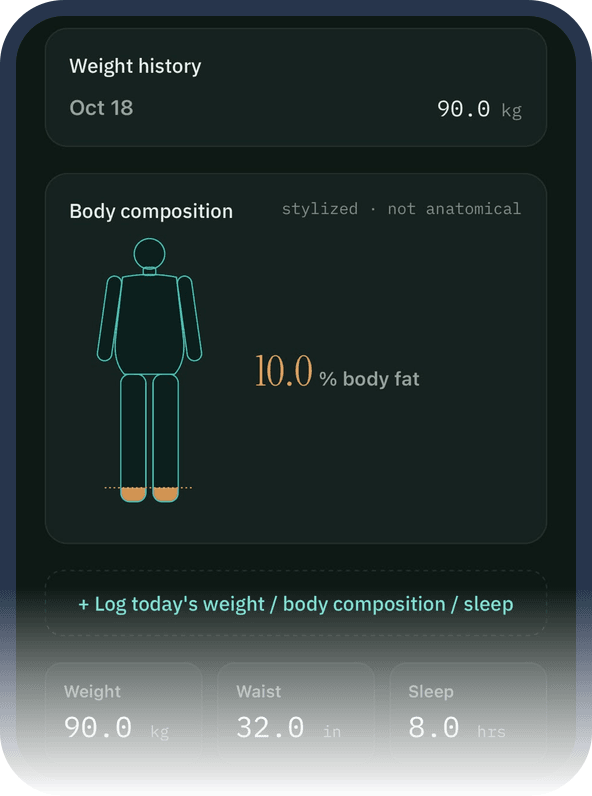
Screenshot Insights. Screenshot from the app, with sample data.


What it is
PEPTIDAL is a personal tracker. You use it to keep a record of what you take, when you take it, and how your own measurements, sleep and lab results change over time. It also has a calculator that converts numbers you type in, a library of general information, an optional AI assistant called AL, and a weekly letter that summarises published studies.
What it is not
- It is not medical advice, and it does not diagnose, treat, cure or prevent any condition.
- It is not a medical device, and it has not been approved or validated by a regulator.
- It does not recommend doses, start or stop advice, or amounts of anything. Not in the calculator, not in the library, not in AL.
- It is not a shop. PEPTIDAL sells and supplies nothing, and has no buy links, affiliate links or sourcing information.
- It is not a replacement for your doctor, prescriber or pharmacist.
Talk to your doctor or pharmacist before you start, change or stop anything you take, and about any symptom that worries you. If you think you are having a medical emergency, call 999 in the UK or your local emergency number.
How it works
Create an account and read the short notice
The first time you open the app it explains that it is a tracking tool and not medical advice, and that AL is optional and asks before anything is sent. You need to be 18 or over.
Add what you take and log it
Choose from the library or type your own names. Log when you take something and add measurements when you have them. Reminders are scheduled on your device.
Review your own history
See your own charts. Premium can also build a summary PDF to share with your clinician. Any decision about what you take is between you and your prescriber or pharmacist.
The calculator
The calculator is arithmetic. You enter the figures you already have, such as the amount in a vial and the amount of liquid, and it converts them into a reading. It does not suggest what figure to enter and it does not judge whether a figure is suitable for you. If you rely on a number, check it with the person who prescribed or supplied the product.
Information in the app
The library and weekly letter describe what published sources say. They label how strong the evidence is and show a regulatory status for Great Britain with a date. They do not tell you what to do. Information can be wrong or out of date, so please tell us if you spot a mistake at hello@getpeptidal.com.
AL
AL is an AI. It can get things wrong and it is not a doctor. It is optional and asks for your agreement first. Read about AL.
Who it is for
Adults aged 18 or over. You confirm this by ticking a box when you create an account. We do not check your age with ID or a date of birth.
Coming soon to iPhone and Android
PEPTIDAL is not on the App Store or Google Play yet. Email us and ask to be told when it is out. There is no sign-up form on this site.
This opens your email app. Questions in the meantime? hello@getpeptidal.com